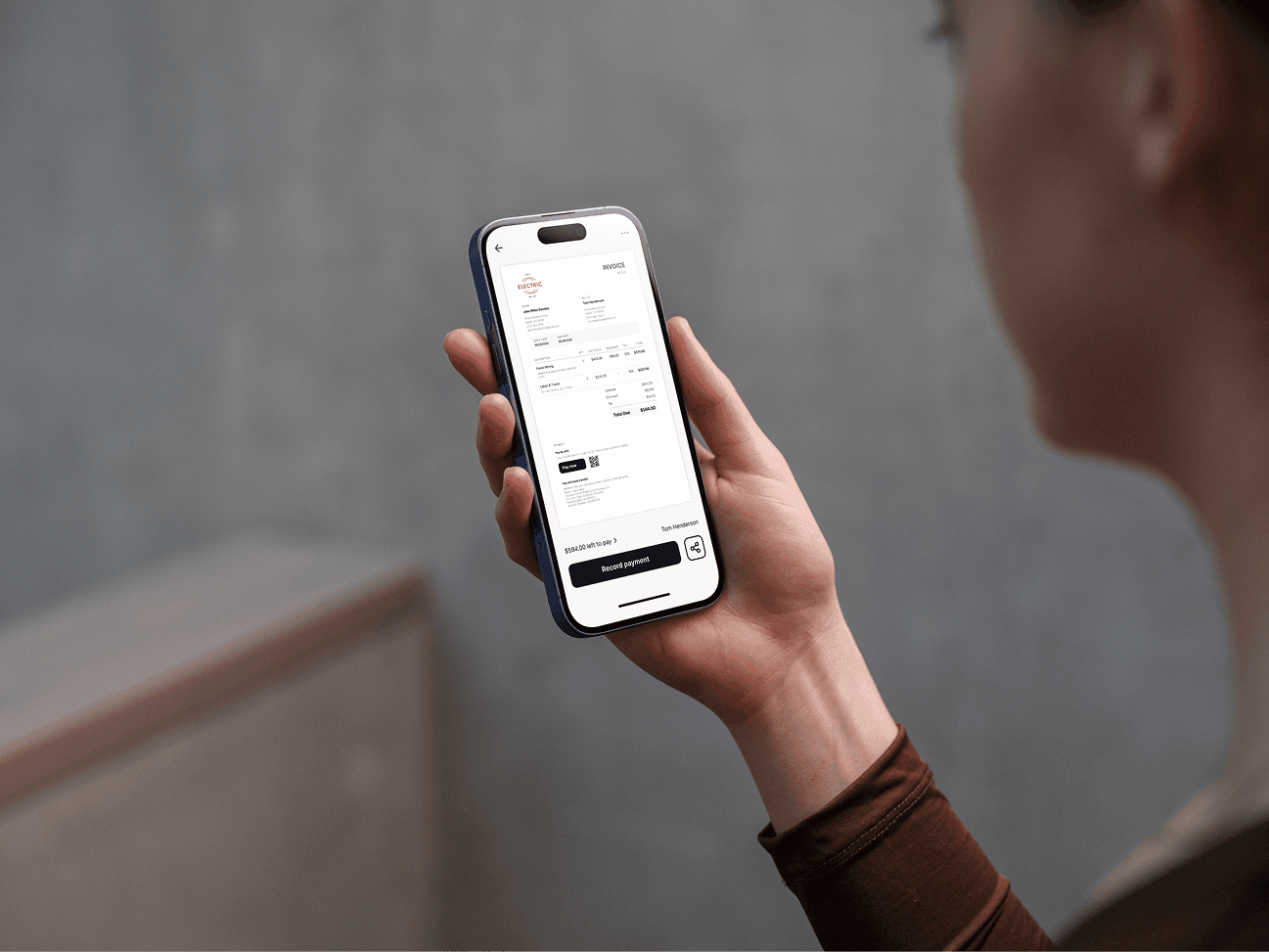
Most invoicing apps are built for accountants or office-based businesses. They're bloated, complicated, and assume you're sitting at a desk when you send an invoice. Tradespeople need something different: fast, mobile-first, and simple enough to use between jobs. Here's an honest look at the best options available in 2026.
What Tradespeople Actually Need From an Invoicing App
Before comparing apps, it's worth being clear about what matters for trades work specifically:
Mobile-first. You're on site, not at a desk. The app needs to work properly on a phone.
Fast invoice creation. You shouldn't need 10 minutes to send an invoice after a job.
Quotes and estimates. Most trades jobs start with a quote. The app should handle both.
Itemised line items. Labour, materials, call-out fees — you need to break it down.
Payment tracking. Know what's been paid and what hasn't without chasing manually.
Simple pricing. You don't need payroll, inventory management, or CRM. Don't pay for features you'll never use.
Clervo
Built specifically for tradespeople, freelancers, and small service businesses. Clervo is designed around mobile use — you can create and send a professional invoice in under a minute from your phone, directly after finishing a job.
Quotes convert to invoices in one tap. Payment reminders are automatic. The interface is clean enough that you don't need a tutorial to get started.
Best for: sole traders and small trades businesses who want a fast, no-fuss invoicing tool without paying for accounting features they don't need.
FreshBooks
A well-established invoicing and accounting platform with a strong mobile app. FreshBooks is more feature-rich than most tradespeople need — it includes time tracking, expense management, project management, and accounting reports. That depth makes it powerful, but it also makes it more complex and more expensive than simpler alternatives.
Pricing starts around $17–19/month for the entry plan, with limits on the number of clients. The mobile app is solid and invoicing is relatively fast once you're set up.
Best for: tradespeople who also want basic accounting features in one place and don't mind paying for them.
Wave
Wave offers free invoicing and accounting software — genuinely free for the core features, with charges only for payment processing and payroll. It's a reasonable option if budget is the primary concern.
The trade-off is that Wave is less polished on mobile than dedicated mobile-first apps, and the free tier comes with limitations on support and some features. It's built more for desktop use than on-site invoicing.
Best for: tradespeople who primarily invoice from a desktop and want to keep software costs at zero.
Jobber
Jobber is built specifically for field service businesses — landscapers, cleaners, plumbers, HVAC technicians. It goes beyond invoicing to include scheduling, job management, client communications, and routing. It's a full business management platform, not just an invoicing tool.
That makes it genuinely useful if you're running a team or managing multiple jobs simultaneously. It's overkill — and significantly more expensive — if you're a sole trader who just needs to invoice clients.
Pricing starts around $49/month. Best for: small trades businesses with employees or subcontractors who need scheduling and job management alongside invoicing.
QuickBooks
QuickBooks is the dominant small business accounting platform in the US and has a significant presence in the UK and Australia. It does everything: invoicing, expenses, payroll, tax preparation, bank reconciliation. The mobile app handles invoicing adequately.
The downside for tradespeople: it's complicated, expensive (starting around $30–35/month), and most of its features are irrelevant to a sole trader who just wants to invoice clients and track payments.
Best for: tradespeople who have an accountant and want a full accounting package they can hand over at year end.
How to Choose
The right app depends on where you are in your business:
Sole trader, just getting started: Clervo or Wave. Fast, simple, low cost.
Growing business, want accounting too: FreshBooks or QuickBooks.
Running a team with scheduling needs: Jobber.
Don't pay for complexity you don't need. Most tradespeople invoicing 10–30 clients a month need a fast mobile invoicing tool — not a full accounting suite.