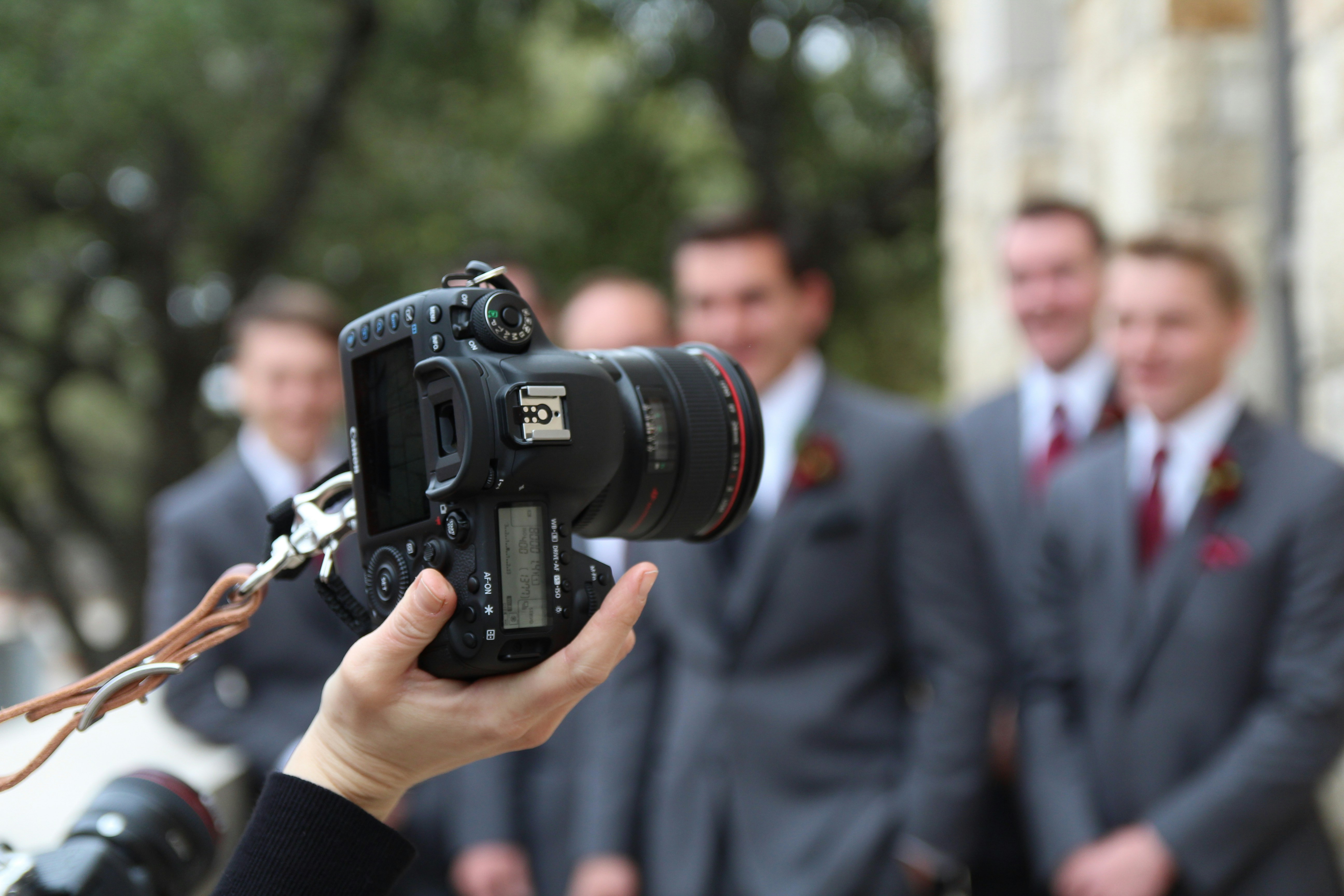
The shoot went well. The edits are done. The client has the files. Now you need to send an invoice that's as professional as your work — and actually gets paid. Photography invoicing has a few quirks: licensing, usage rights, deposits, and post-production are all separate things that need to appear clearly. Here's what to include and a free template to use right away.
What to Include on a Photography Invoice
1. Your business information
Your name or studio name, address, email, and phone. If you're VAT registered, include your VAT number. For wedding and portrait photographers especially, a professional invoice reinforces the premium experience you're selling.
2. Client information
Full name and address of whoever you're billing. For commercial work — brands, agencies, editorial clients — get the billing contact name and any job reference or purchase order number they need on the invoice.
3. A unique invoice number
One per invoice, sequential. It's the reference point for every payment query. Without it, chasing becomes harder than it needs to be.
4. Shoot date and payment due date
Include the date the shoot took place — not just the invoice date. For events like weddings, this is particularly important. Payment terms vary: portrait photographers often require full payment before delivery; commercial clients typically work on Net 14 or Net 30.
5. Itemised breakdown
Photography invoices often combine several different types of charges. Be specific:
Shoot fee: Half-day commercial shoot (4 hrs @ $400/hr)
Post-production: Editing and retouching, 50 selected images (flat fee $350)
Travel: 120-mile round trip @ $0.45/mile
Equipment hire: Studio lighting kit (flat fee $120)
Rush delivery fee (if applicable)
6. Licensing and usage rights
This is the part most photographers underbill. If you're licensing images for commercial use, specify what that licence covers — medium, territory, duration. Example:
"Digital licence — website and social media use, UK only, 12 months: $400"
Unlimited usage rights are worth more than a one-off shoot fee. Price them accordingly and put them on the invoice separately so the value is visible.
7. Expenses
Travel, accommodation, equipment hire, prop costs, assistant fees — any expense incurred for the job should be a line item. Don't absorb costs that belong to the client.
8. Deposit deduction
If you took a booking deposit, deduct it clearly as a line item. The client paid it — they expect to see it come off the total.
9. Subtotal, taxes, and total
Clear numbers, tax as a separate line, total unambiguous at the bottom.
10. Payment terms and delivery conditions
Some photographers hold final files until payment clears. If that's your policy, state it on the invoice: "Full-resolution files released upon receipt of payment." It's not aggressive — it's professional.
Free Photography Invoice Template
Copy and adapt for your next project:
[Your Name / Studio Name]
[Address] | [Email] | [Phone] | [VAT Number if applicable]
Invoice #: INV-001 Shoot Date: [Date] Due Date: [Date + 14 days]
Bill To:
[Client Name]
[Client Address]
[Client Email] | Job Ref: [if applicable]
Description | Qty | Unit Price | Total |
|---|---|---|---|
Shoot fee – [description] | [X hrs] | $[rate]/hr | $[amount] |
Post-production – [X images] | 1 | $[amount] | $[amount] |
Licence – [usage type, territory, duration] | 1 | $[amount] | $[amount] |
Travel / expenses | $[amount] | ||
Less deposit paid | -$[amount] |
Subtotal: $[amount]
Tax ([X]%): $[amount]
Total Due: $[amount]
Payment methods: [Bank transfer / Card]
Bank details: [Account name, sort code, account number]
Full-resolution files released upon receipt of cleared payment.
Common Mistakes Photographers Make on Invoices
Not charging separately for licensing. If a brand is using your images in a national campaign, the shoot fee is the floor — not the ceiling. Licence fees are separate and should appear on the invoice.
Absorbing expenses. Travel, parking, accommodation — these are the client's costs, not yours. Line-item every expense.
No deposit deduction shown. Always show the deposit as a deduction. It clarifies the outstanding balance and reminds the client they already committed to the job.
Sending files before payment. For new or unknown clients, hold final files until payment clears. State this policy on your invoice from the start so it's never a surprise.
The Faster Way to Invoice
Photography involves a lot of moving parts — shoots, edits, client communications. The last thing you want is invoicing to add to the pile. Clervo lets you build and send a professional invoice in under a minute, track payment status, and send automatic reminders. Less admin, more shooting.
Great work deserves a great invoice. Get paid what you're worth.