Add clients by hand or from Contacts, and keep notes on each one. Their invoices and estimates sit right on their profile.

Add a client in seconds
Pull them from Contacts or type the name. Phone, email, address, and notes all go on one screen.
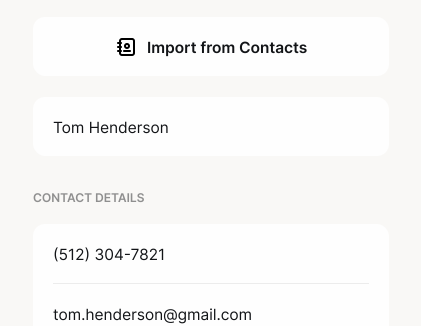

Call, text, or email in one tap
Reach any client straight from their profile. Update their details when they change, without opening an old invoice.
See every job for every client
Each profile lists the client's invoices and estimates. Start the next one right there.


Find any client fast
Your client list keeps names in one clean view with search up top, so the right profile is always a tap away.
Client management questions, answered
How Clervo keeps customers, jobs, invoices, estimates, and notes organized without turning into a heavy sales tool.
What is client management in Clervo?
Can I import a client from Contacts?
What client details can I store?
Can I edit client details later?
Can I contact clients from their profile?
How do clients connect to invoices and estimates?
Can I search my client list?
Can I remove a client?
Know every client before the next job.
Contact details, notes, and every invoice for each client, in the same app you bill from.